Let NS Zakelijk work for you
Give your employees the freedom to travel flexibly while staying in control of costs and administration. With NS Zakelijk, business mobility is easy to manage.
Shortcut to
Our products
With the NS-Business Card, employees travel by public transport and shared transport to and from their destination. Without spending time claiming expenses or loading balance. Because all travel expenses appear on one VAT invoice. Every month.
If your employees regularly travel by public transportation for business, it is advantageous to add a subscription to the NS-Business Card(s). You then have lower costs due to a fixed subscription amount per month.
Travel with the NS-Business Card and a platform to manage your mobility policy: that is NS Go. NS Go registers all kilometers travelled by all employees, by any means of transport. This means you automatically comply with the CO2 reporting obligation. NS Go also automatically deducts allowances from the salary. Curious about all the possibilities?
Knowledge and inspiration

What is CSR and why is it important for your organization?

Work-Related Personal Mobility (WPM): what is it and what does it mean for employers?

Private travel with NS-Business Card

Pseudo-final levy on fossil fuel lease cars from 2027
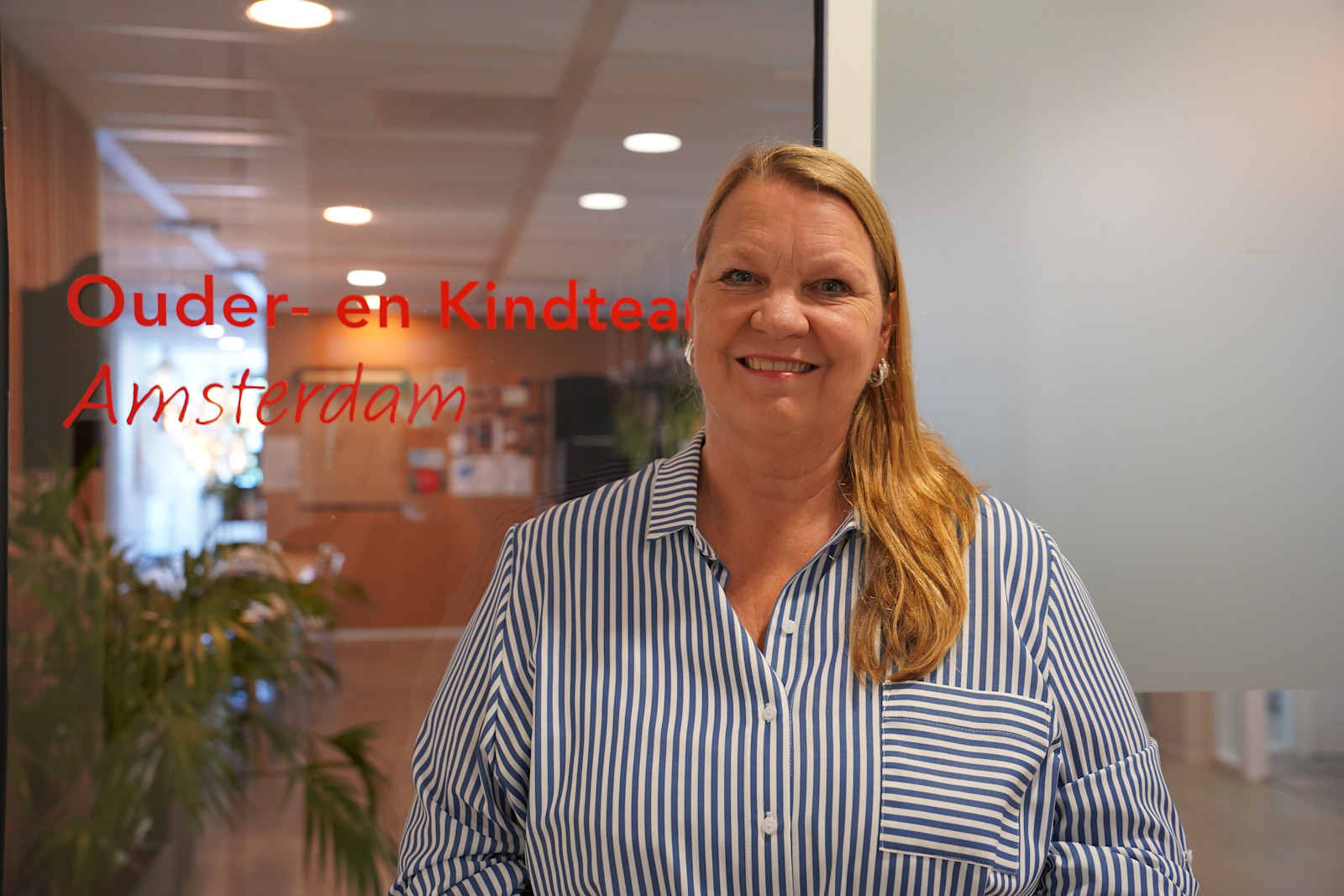
OKT Amsterdam: "NS Go and the NS-Business Card are a gift"

Moving forward together: how NS Zakelijk works for Tony's Chocolonely
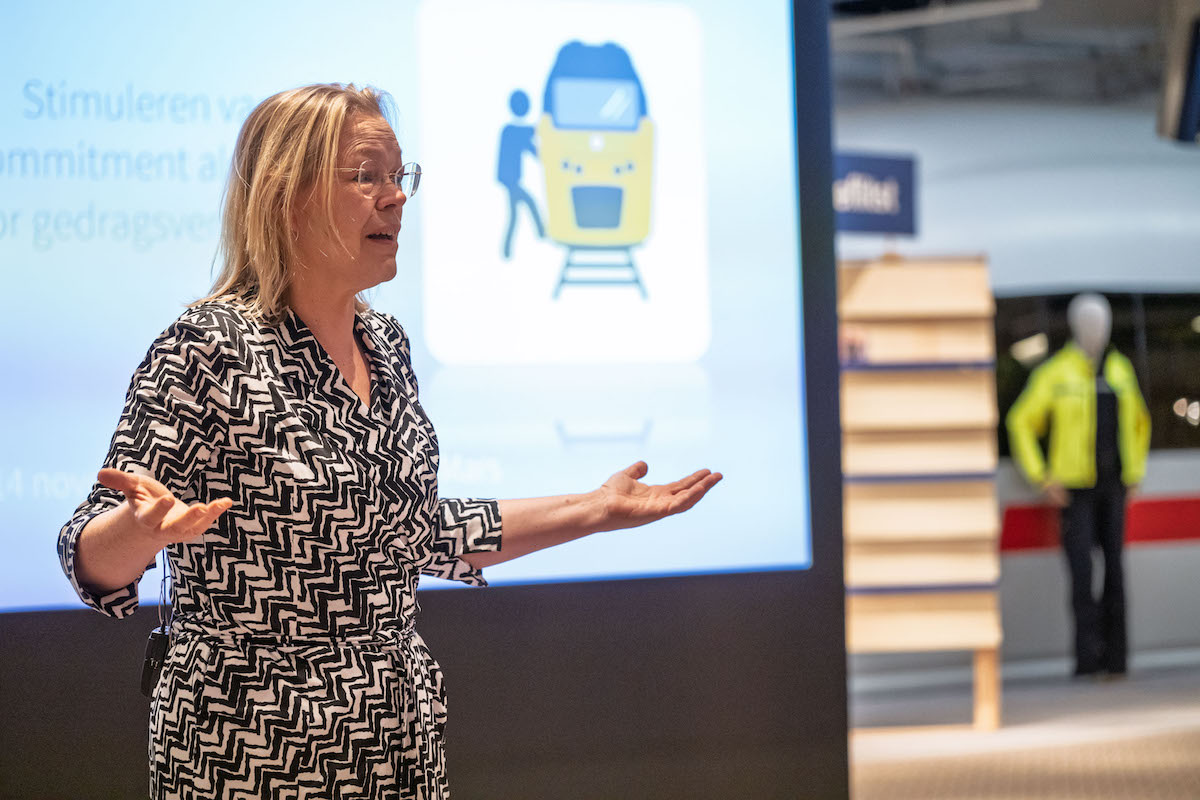
How do you get them out of the car? The art of behavior change
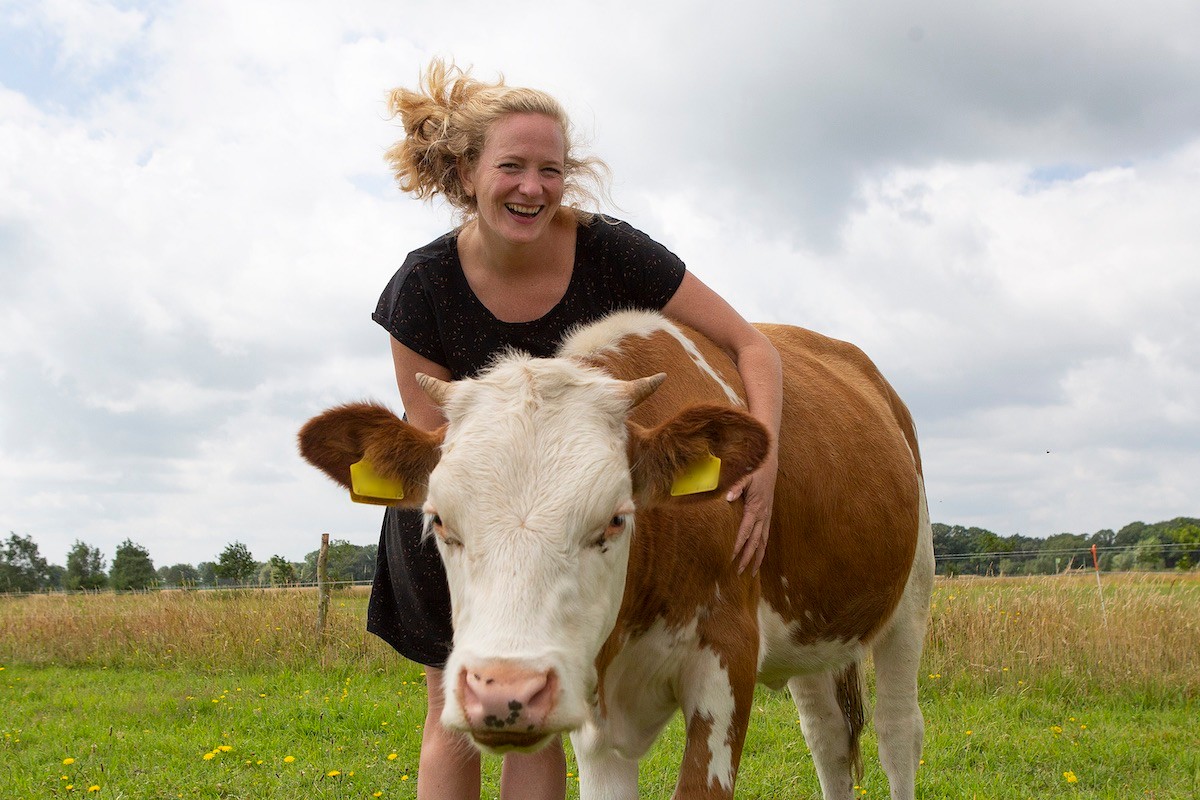
Moving forward together: how NS Zakelijk works for Wakker Dier
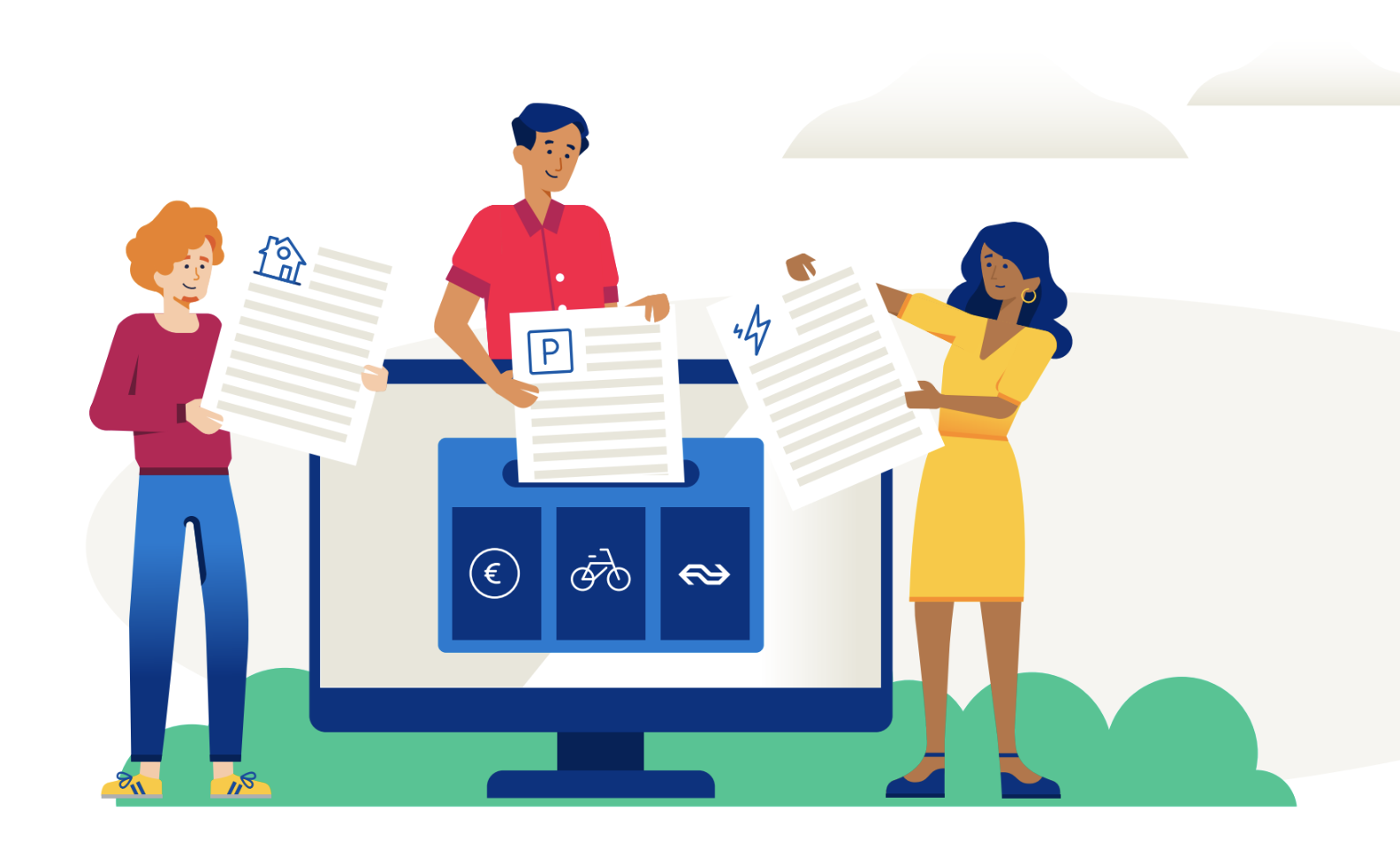
Want to create a CO2 report? Use this survey template
1 from 10
Reasons for choosing NS Zakelijk
0 - 2 from 5
1 from 5
Frequently asked questions
How can I order one or more new NS-Business Cards?
Not yet an NS Zakelijk customer?
Online you can order up to 5 NS-Business Cards at the same time. While ordering you need to make a 1 cent IDEAL payment to verify the account number. The name of the person authorized from your organization to sign the contract with NS is also required. Ordering 1 to a maximum of 5 NS-Business Cards can be done at
Do you want to order more than 5 cards? Then use our
After your first order you can add unlimited NS-Business Cards in Mijn NS Zakelijk. Mijn NS Zakelijk is your personal management environment.
Are you already an NS Zakelijk customer?
Go to
How can I add a subscription to an NS-Business Card?
If you do not yet have an NS-Business Card, add a subscription when ordering your card.
Do you and/or your employees already travel with the NS Business Card, then you can add a subscription as contact person, or - if this is determined by your organization - as cardholder.
Add subscription as contact person
You can add a subscription to an NS-Business Card as a contact person in
Do you want a Traject op Maat abonnement? Then contact your NS account manager. Or if you are self-employed with our Customer Service via 030 300 11 11. We will then add the Traject op Maat subscription to your agreement with NS. It will then be available in
After you have added a subscription to an NS Business Card in My NS Business, it is important that the person traveling with the card collects the subscription from an NS card machine at one of our stations. The cardholder will receive an e-mail with more information about this.
Add subscription as a cardholder
Your organization may have included in the agreement with NS that cardholders can order and change subscriptions themselves. You do this as a cardholder in
Which business subscriptions can I choose from?
With the NS-Business Card, you can choose the subscription that best matches the way you travel. If you occasionally travel during off-peak hours, an Off-Peak subscription is often a cost-effective option. If you regularly travel the same route, Route Free may be a better fit. And if you travel by train frequently, Train Free lets you enjoy unlimited train travel. This way, you only pay for what you need and stay in control of your travel expenses.Want to find out which subscription suits you best? Use our
How do I change from 2nd class to 1st class?
You can activate a class change for one day in the NS app or at an NS Ticket Machine. The class change is valid until 04:00 the next day. You can change class before you check in, or up to 15 minutes after checking in.
Do you often travel 1st class? Ask your employer whether a subscription for 1st class travel is possible. If you are self-employed, you can arrange this directly yourself. You can add this subscription in Mijn NS Zakelijk. Go to
Viewing and downloading invoices
We will e-mail you your monthly invoice as a PDF around the 14th of the month. If you are your organisation’s contact person, you will also be able to access attachments to the invoice in
Een greep uit onze klanten
Our NS-Business Card services are ISO 9001 and ISO 27001 certified. This gives you and your organization - as our client - many assurances. We have our certification reviewed annually by DNV to ensure independence.